
SushiLog Business

Every piece has a story. Let your guests read it.

Create a multilingual digital menu for your omakase or tasting menu. Share the season, the technique, and what you want them to notice. You decide when they receive it.

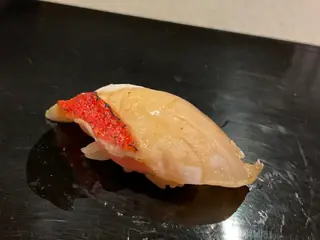
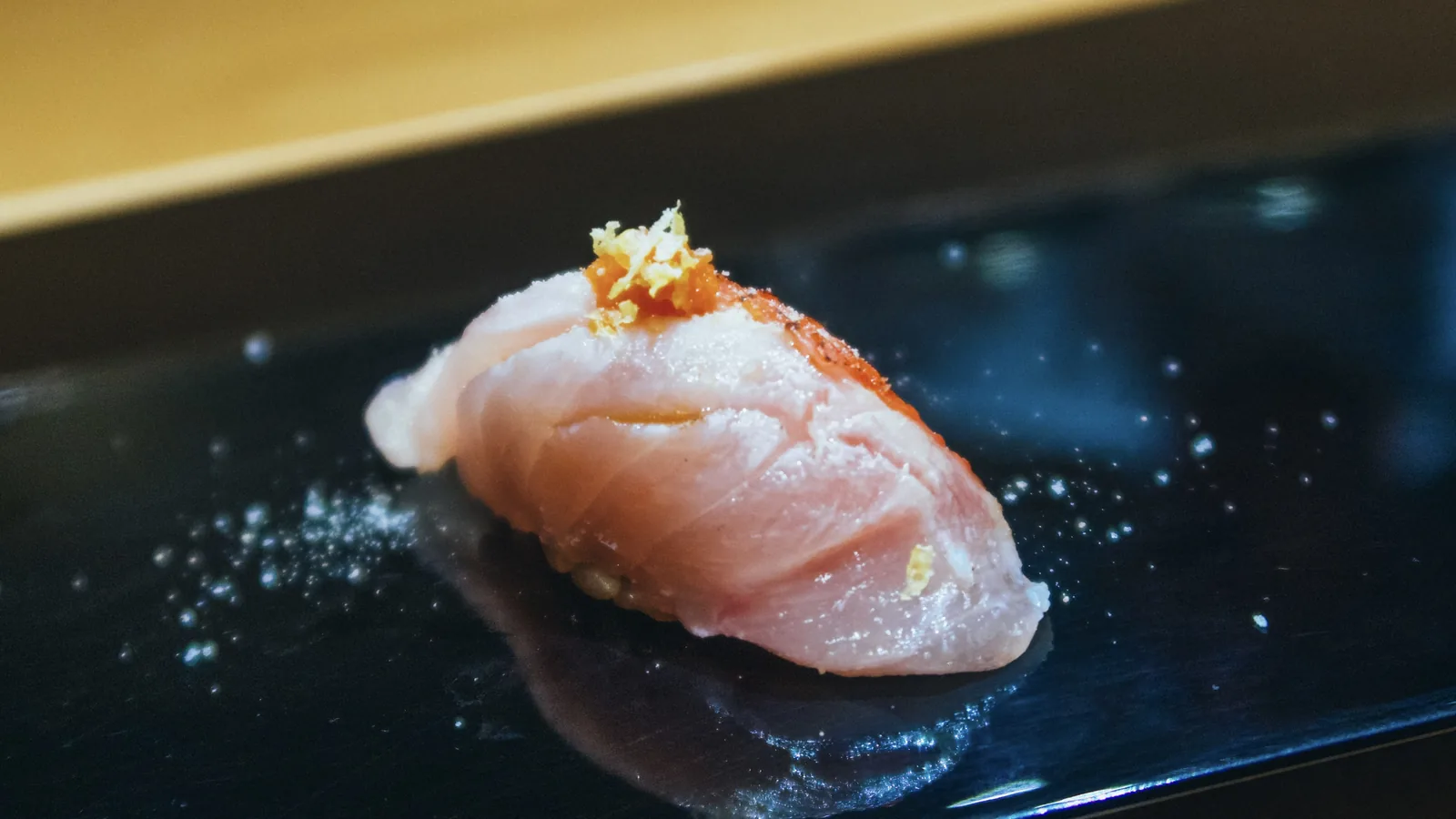
A piece of kinmedai nigiri, its skin seared and topped with yuzu zest, on a dark lacquered plate
Inside the red skin is the slow, unfolding sweetness of a fish from deep water.
Kinmedai · Sushi Shiori

One piece, told in full

Most menus stop at a name.

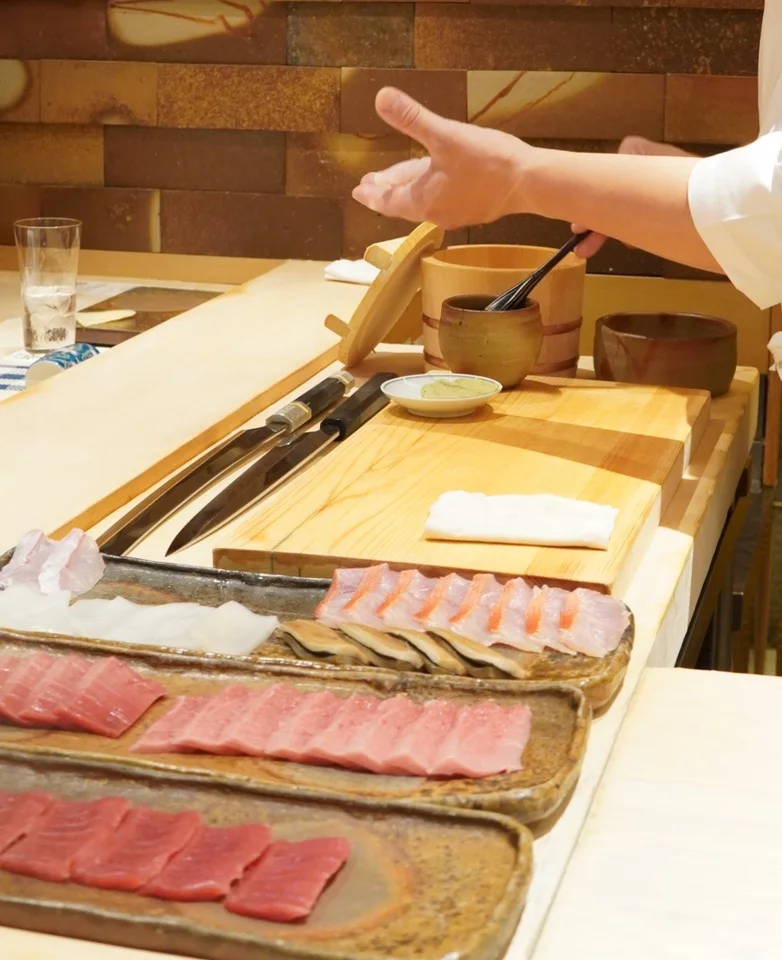
What they leave out is what a serious diner would cross town for: why the kohada spent thirty minutes in salt and not forty, why the rice is warm, what the chef wants you to notice before the bite is over. Here is one piece, told in full.

Say as much or as little as you like: every part is optional. The piece below is from Sushi Shiori, a restaurant made up for this page.

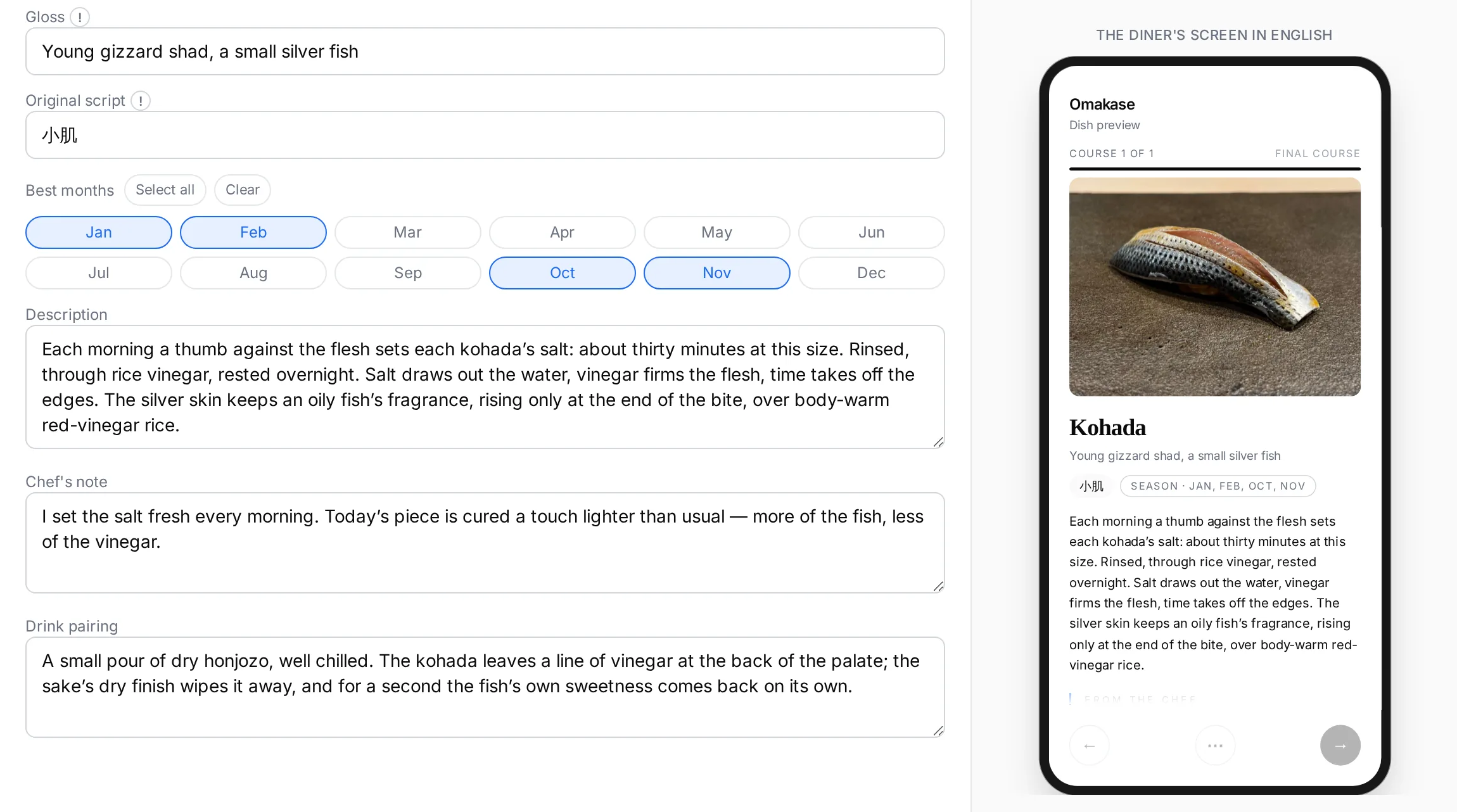
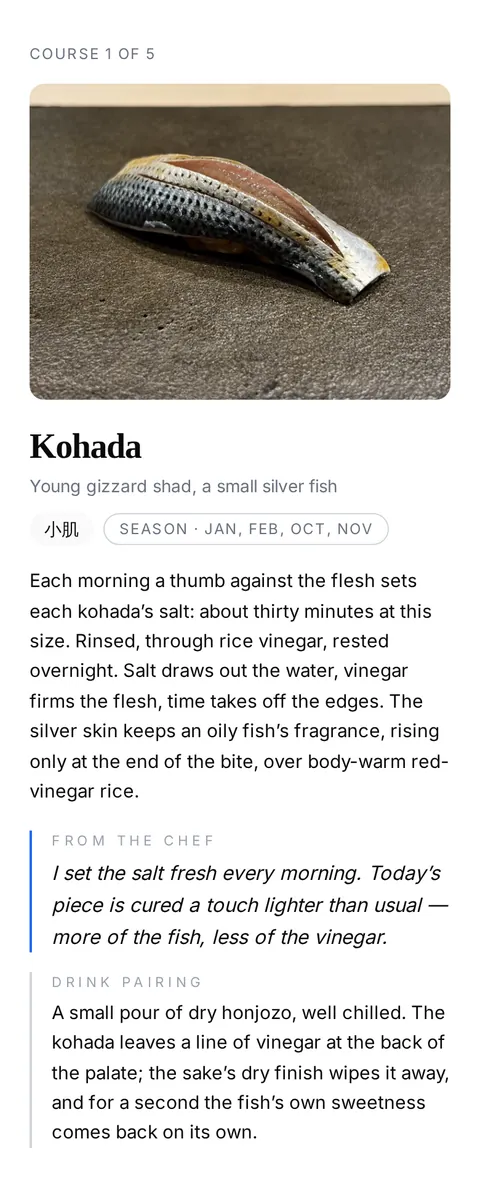
Kohada

Kohada

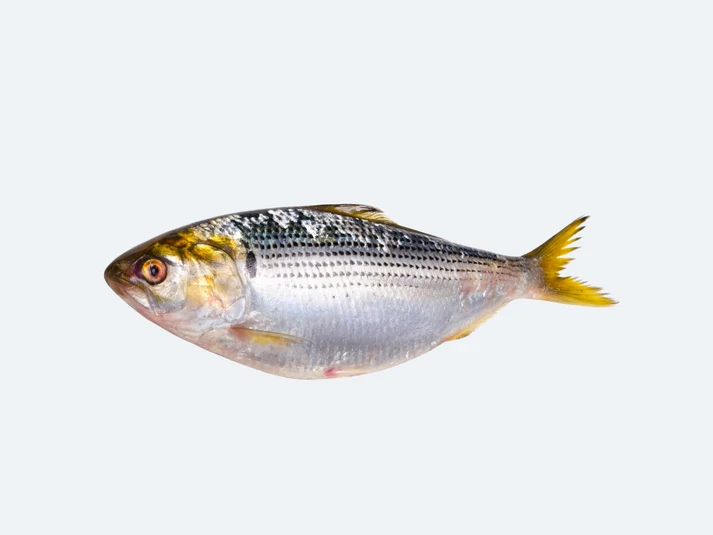
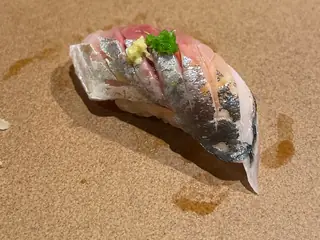
Young gizzard shad, a small silver fish

小肌season · Jan, Feb, Oct, Nov

Each morning a thumb against the flesh sets each kohada’s salt: about thirty minutes at this size. Rinsed, through rice vinegar, rested overnight. Salt draws out the water, vinegar firms the flesh, time takes off the edges. The silver skin keeps an oily fish’s fragrance, rising only at the end of the bite, over body-warm red-vinegar rice.

From the chef
I set the salt fresh every morning. Today’s piece is cured a touch lighter than usual — more of the fish, less of the vinegar.
Drink Pairing

A small pour of dry honjozo, well chilled. The kohada leaves a line of vinegar at the back of the palate; the sake’s dry finish wipes it away, and for a second the fish’s own sweetness comes back on its own.

Guest view, not a mock-up · Sushi Shiori (fictional sample)
  1. The piece, and the fish

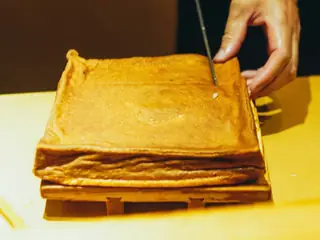
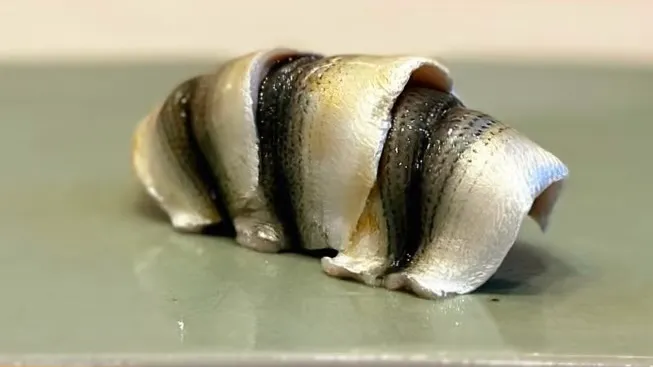
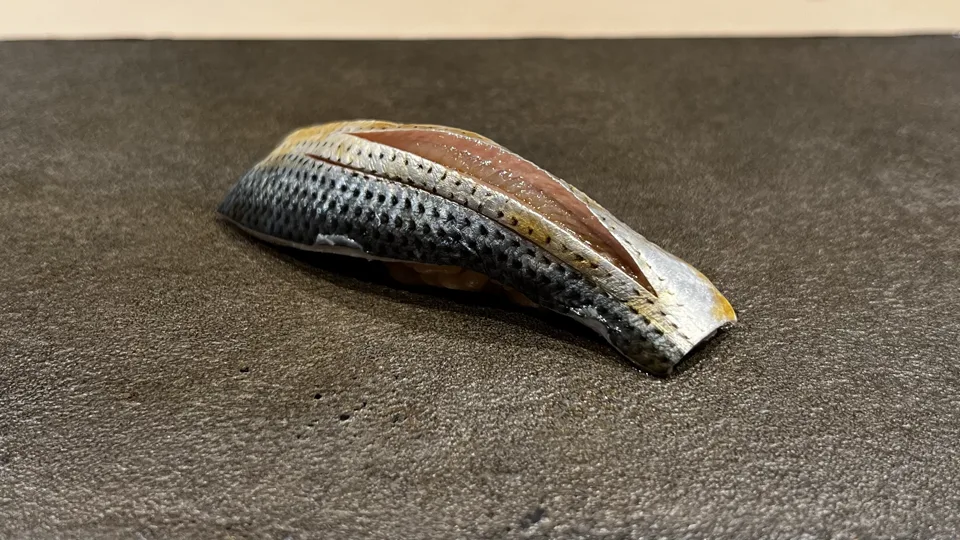
    Two pictures: the piece as it leaves your hands, and the fish it was cut from. A guest who has never seen a whole kohada finds out what they are about to eat, and the sourcing you pay for stops being invisible.

  2. The name, said and written

    Three slots, because a name from another language does three jobs: it is said, it is written, and it has to be understood. A guest who gets all three can ask for the dish by name — including the year’s first shinko, which is this same fish under another name.

  3. The work, and today’s note

    Thirty minutes in salt leaves nothing on the plate to see. This is where the work becomes something a guest can taste for, and the line beneath it — today’s cure, today’s fish — is the one part that says a person is behind the counter tonight.

  4. The pairing

    What to pour, and what it does to the piece. A guest who would not have asked for a second glass asks for one, and nobody has to explain honjozo across a language barrier.

Try it as a guest

Open a piece. Then read it in another language.

This is the same Viewer your guests open from a link or a Table QR, showing a five-piece Sample Menu.

  1. Switch the language

    Use the language menu at the top right of the phone. Only the tasting changes; this page stays in English.

  2. Open the outline

    Tap the control between the arrows to see all five pieces and jump to any of them.

  3. Walk to the end and save

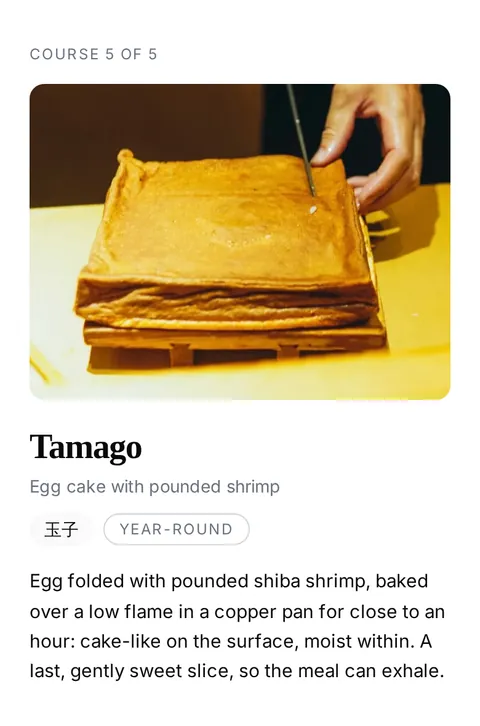
    After the Tamago, the closing screen offers the whole tasting as one long photograph to keep.

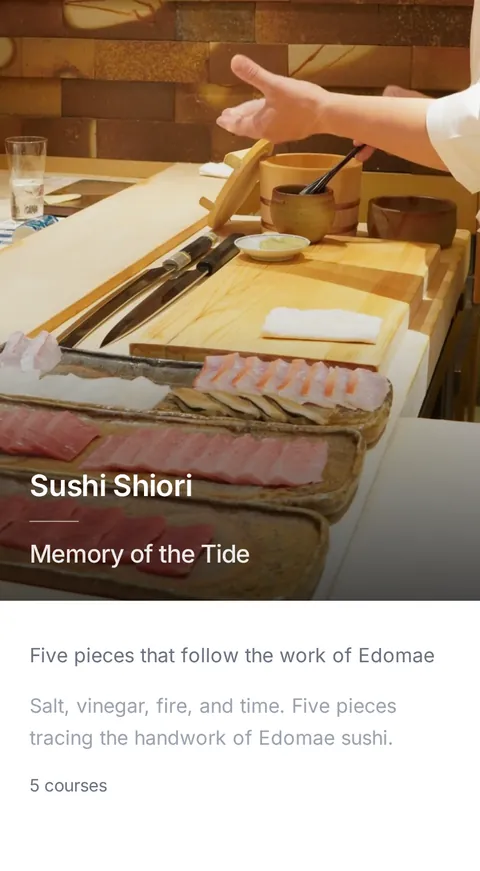
Memory of the Tide

Sushi Shiori

Memory of the Tide

Five pieces that follow the work of Edomae

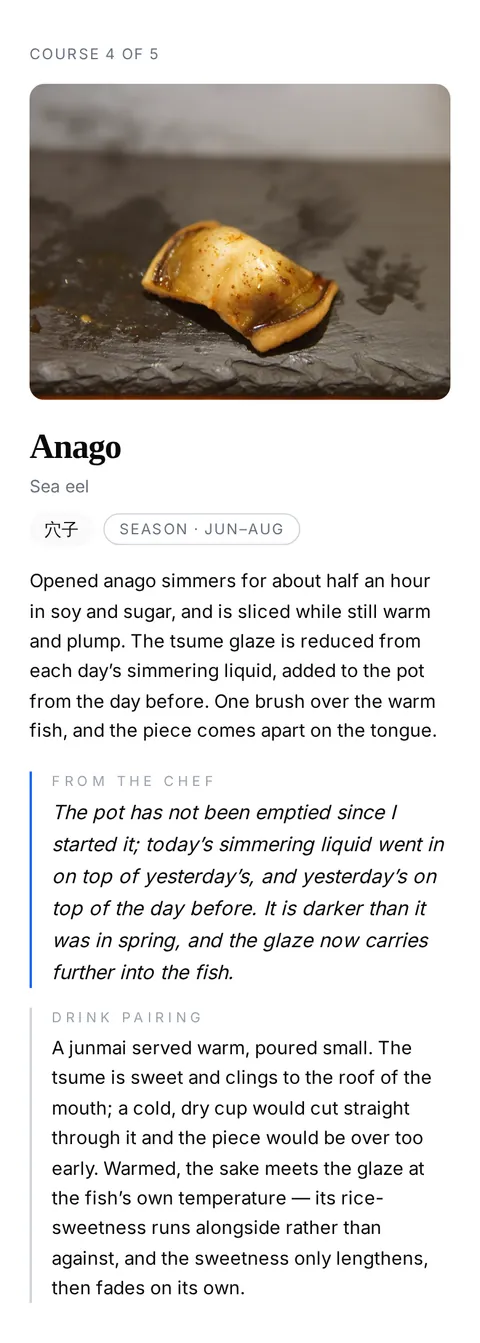
Salt, vinegar, fire, and time. Five pieces tracing the handwork of Edomae sushi.

5 courses

Some content is automatically translated.

© sushilog.app

This version was prepared automatically from the Chef’s Japanese source.

Your way of serving

Share the stories your way.

The Menu is a link, so where it gets read is not fixed. Some read it to decide whether to book. Some to follow what is in front of them. Some to keep the evening after the plates are cleared.

  • Before the mealThe concierge desk

    A concierge is asked where to eat. She opens the restaurant’s link on the desk screen, turns it towards the couple from Lyon, and lets them read the kohada in French: thirty minutes of salt, a night in vinegar. They book for Thursday.

    The Venue link goes wherever you already talk to guests — a concierge, a confirmation email, your own site. It shows whichever Menu is published at the moment it is opened.

    Open the sample menu
  • During the mealAt the seat

    A regular brings a friend who has never had kohada. The chef says the name once. The friend reads the rest on their own phone (thirty minutes of salt, a night in vinegar) and turns it face down when the next piece lands.

    At the seat there is a small Table QR card, and nothing else. Each guest reads at their own pace, and nothing has to keep up with your service.

  • After the mealIn the cab home

    With the check comes a small card. In the cab home, they save all five pieces as one long photograph, the restaurant’s name at the top.

    The card travels on the check tray, once the last piece has been eaten. What a guest keeps afterwards is a photograph on their own phone.

Take the meal home

The plates are cleared. The evening stays.

At the end of the tasting, a guest can save the whole evening as one long photograph, or the cover and each piece on its own. It is theirs to keep, with your restaurant’s name on it.

The whole tasting, one long photograph
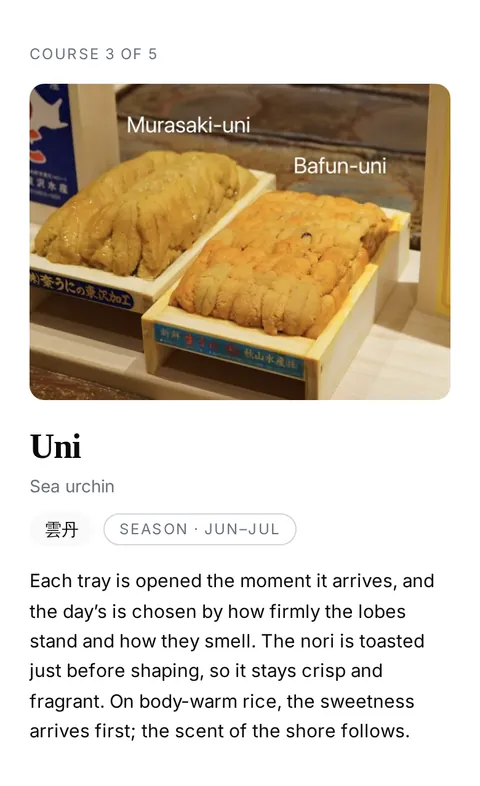
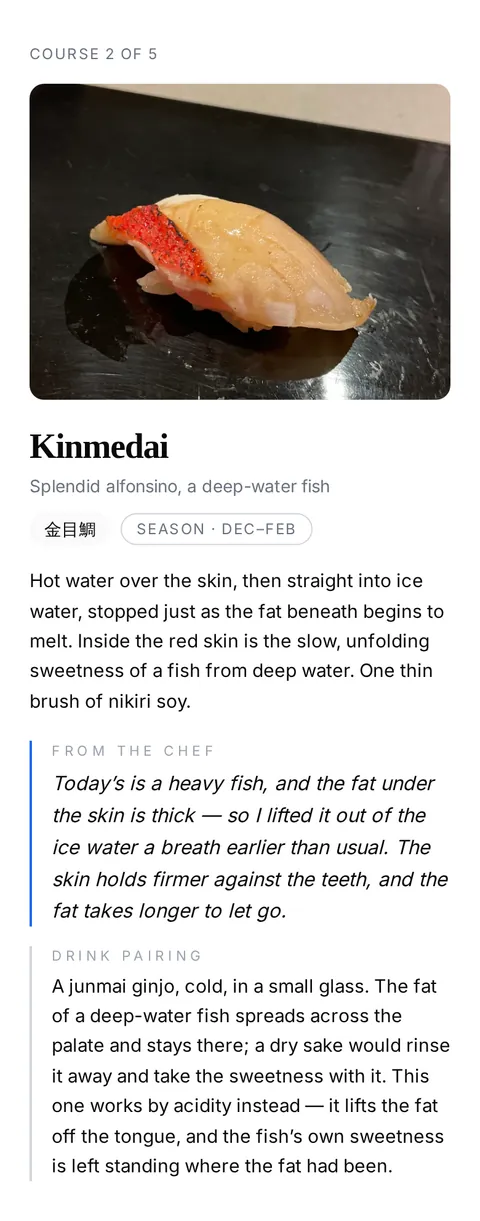
The Sample Menu saved as one long photograph: the Sushi Shiori cover, then all five pieces with their stories, notes and pairings

sushi-shiori-memory-of-the-tide.png

Kohada, saved as a photograph of its own, on top of the cover and the other four pieces
The cover and each piece, one photograph eachSix separate image files

What the guest saves are image files, kept on their own phone. Nothing is sent or stored for them online. Opening your link later is a different thing: it shows whatever Menu you have published by then.

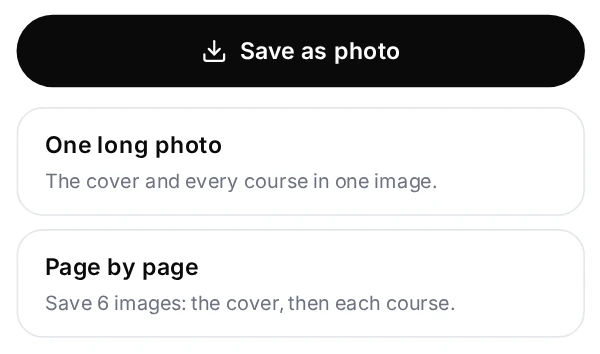
A Save as photo button, with two choices below it: one long photo, or page by page
The save button on the Sample Menu’s closing screen, with its two choices

How you prepare it

From the first Menu to the next change.

Translations you can edit, a catalog of dishes with photos, your own dishes and Menus, and one QR that stays the same when the Menu changes.

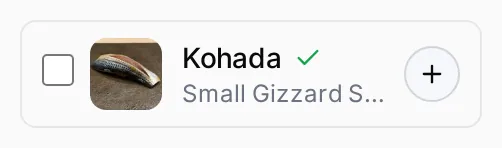
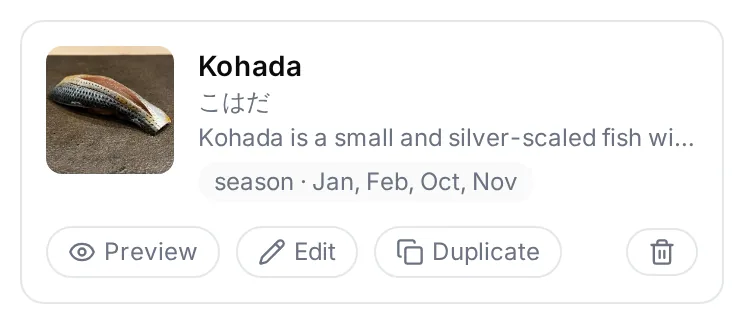
  1. Choose dishes from the catalog, or create your own
  2. Arrange them into a Menu and publish it
  3. Update it whenever you like: the same link and QR keep working

You edit in the Studio on a desktop or laptop. Guests need only a browser.

1 of 5

Written in Japanese between prep. Read in another language at eight.

Write in the language you know best, and the other seven are prepared automatically. Every version stays yours to edit, word by word.

Example

日本語Original

塩の時間は、毎朝ちがいます。今日の一貫は、いつもより少し浅めに締めました——酢よりも、魚そのものが前に。

AI translation & review

English

I set the salt fresh every morning. Today’s piece is cured a touch lighter than usual — more of the fish, less of the vinegar.

简体中文

盐腌的时间每天早上都不一样。今天这一贯比平时腌得稍浅,鱼本身的味道多一些,醋味少一些。

繁體中文

醃鹽的時間,每天早上都不一樣。今天這一貫醃得比平常稍微淺一點,魚本身的味道多一些,醋味少一些。

한국어

소금에 절이는 시간은 매일 아침 달라요. 오늘의 한 점은 평소보다 조금 얕게 절여서, 생선 맛이 더 나오고 식초는 덜 나옵니다.

Español

El tiempo de sal cambia cada mañana. La pieza de hoy está curada un poco más ligera de lo habitual: se nota más el pescado y menos el vinagre.

Français

Le temps de sel change chaque matin. La pièce d’aujourd’hui est un peu moins marinée que d’habitude : on sent davantage le poisson et moins le vinaigre.

Deutsch

Die Salzzeit ist jeden Morgen eine andere. Das heutige Stück ist etwas leichter gebeizt als sonst – mehr Fisch, weniger Essig.

SushiLog Pro

One plan for each Venue, monthly or annual.

Monthly and annual include exactly the same features. The price is per Venue — it does not change with the number of guests, Menus or words — and your guests need no app and no account to read what you publish.

The Free Trial starts when you complete Checkout, which asks for a card and shows the price, taxes and trial end date before you confirm. Nothing is charged until the 30 days are up; cancel before then, in billing management under Studio Settings, and nothing is charged at all.

Questions

What Chefs ask before they start.

What do I need to use SushiLog Business?

All you need is access to a desktop or laptop computer, an internet connection, and a SushiLog Business account. No special equipment is required.

Will guests looking at phones at the counter change my service?

Only if you want it to. You decide whether to offer it and when: before the meal, only for guests who need help with the language, or just at the end as something to keep. Guests read at their own pace; nothing asks them to follow along.

How much do I have to write for each dish?

As much as you like. A dish can be a name and a photo, or carry its season, the story behind it, a note from you and a pairing. Every part beyond the name is optional, and dishes from the Public Catalog arrive with a name, notes and a photo to start from.

Can I change the translations?

Yes. You write in one language and SushiLog prepares the other seven automatically. You can review and edit any of them, and guests are told when text was prepared automatically.

My menu changes often. What do I have to redo?

Very little. Dishes stay in your Studio, so a new Menu reuses them. Publish the updated Menu and the same Table QR and link open it; you can also keep several Menus live at once.

Can I use it in advertising or concierge materials?

Yes. Share your Venue link or Table QR wherever you like. It always opens what you have published at that moment, so it introduces your cooking rather than promising a particular evening’s menu.

What happens to printed QR codes if my subscription ends?

Cancelling stops the next renewal; access ordinarily continues to the end of the trial or paid period. When access ends, a seven-day Grace Period keeps your published Menus available while the Studio is read-only. After that, the QR shows an unavailable page instead of your Menu, though its address never changes. Photos guests already saved stay on their phones.

Is SushiLog an ordering or POS system?

No. It enriches the meal already unfolding at your table; it does not take orders, process payments, or interrupt service.

Your guests already taste the work. Now let them read it.

Create a Studio with your email, then choose monthly or annual. Your 30-day Free Trial starts when you complete Checkout.

Create your Studio